
Quick guide: monthly records
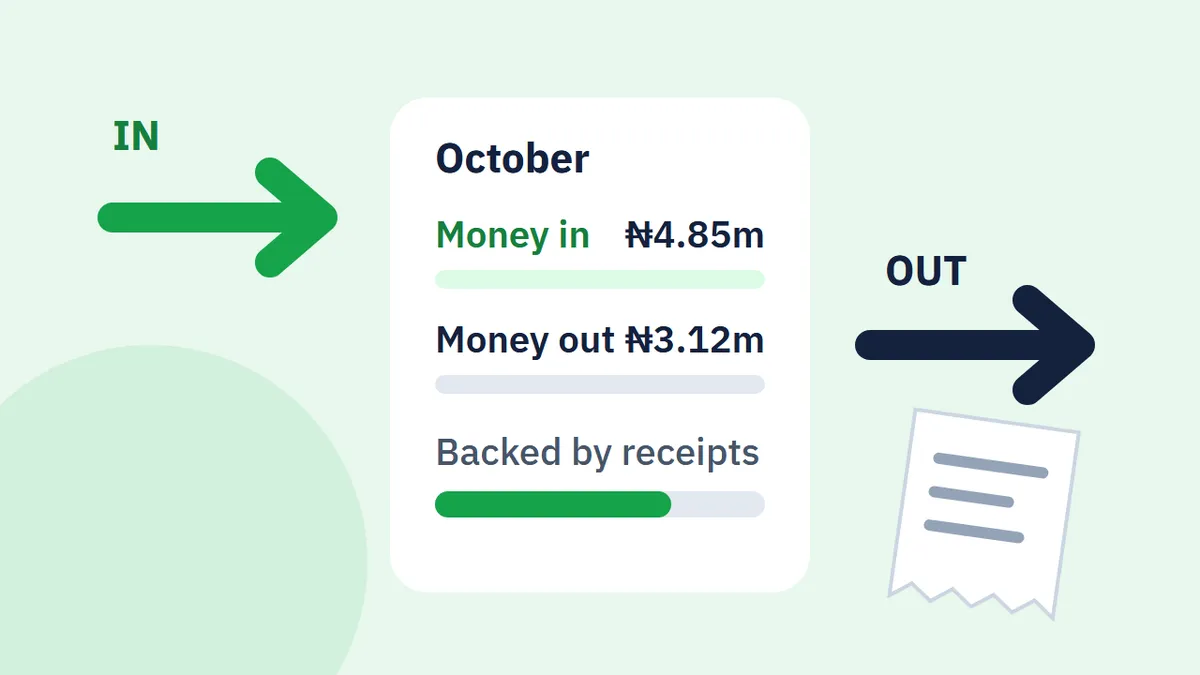
Each month, your records say how much came in and went out, with a receipt behind each total. Here it is in four steps.
Steps
- Open Monthly records (Records in the app) and pick the month.
- Type each total: money in, then money out, row by row.
- Add the receipts behind each total. Scan them, upload them, or raise a payment voucher for a cost with no receipt.
- Choose Submit. Your approver checks the month and approves it, and it counts in your Proof Book.
Coming
- The TaxAudit app in the App Store and Google Play.
Was this article helpful?
Still stuck? Our support team can help.
Contact support