
Quick guide: your Proof Book
Your Proof Book shows how ready your business is for a tax audit, month by month. Here it is in four steps.
Steps
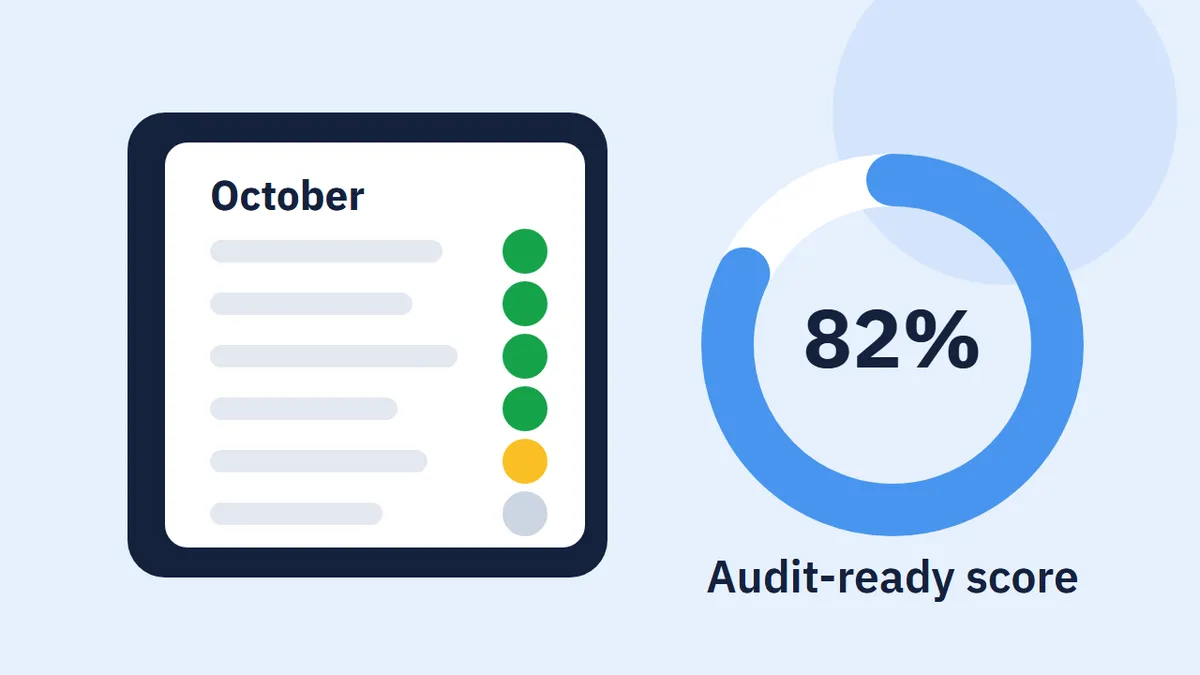
- Open the Proof Book: in the website's menu, or the second tab in the TaxAudit app. The Audit-ready score shows how much of your year is backed by records.
- Look at the six records for each month: CAC and tax registration, Past tax filings, Statements and bank, Sales and invoices, Expenses and Payroll. Each is proven, partly done or not started yet.
- Tap a month to see what's behind each record, and what's missing.
- Do Your next 3 things to do. Each has a button that does the job, such as uploading a bank statement.
Coming
- The TaxAudit app in the App Store and Google Play.
Was this article helpful?
Still stuck? Our support team can help.
Contact support