
Quick guide: payment vouchers
A payment voucher backs a cost that came with no receipt, such as goods bought at an open market. Here it is in four steps.
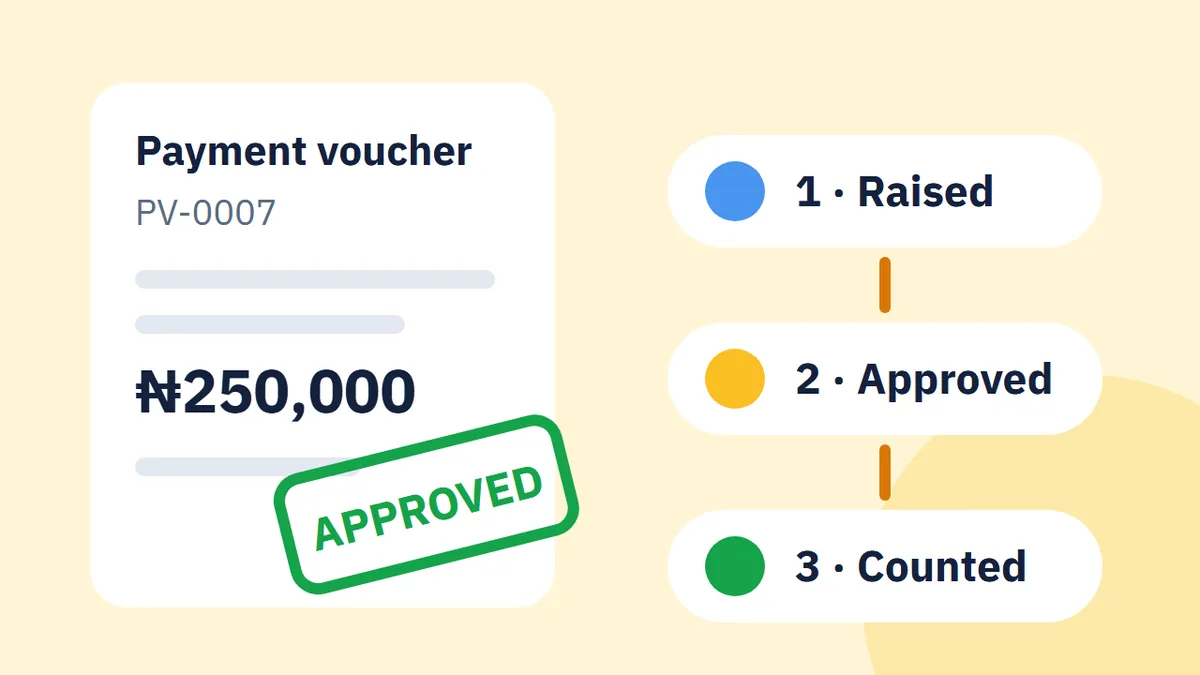
Steps
- On Monthly records, find the row the cost belongs to and choose No receipt, or go to Documents → Payment vouchers → Raise a payment voucher.
- Say who was paid, how and where, and list what was bought. TaxAudit adds it up. Or describe it in your own words and choose Fill it in for the AI to fill the form.
- Choose Raise payment voucher. It gets the next number, such as PV-0007, and waits for approval.
- Your approver approves it, or sends it back with what to change. Once approved, it backs the row's total like a receipt.
Coming
- The TaxAudit app in the App Store and Google Play.
Was this article helpful?
Still stuck? Our support team can help.
Contact support