
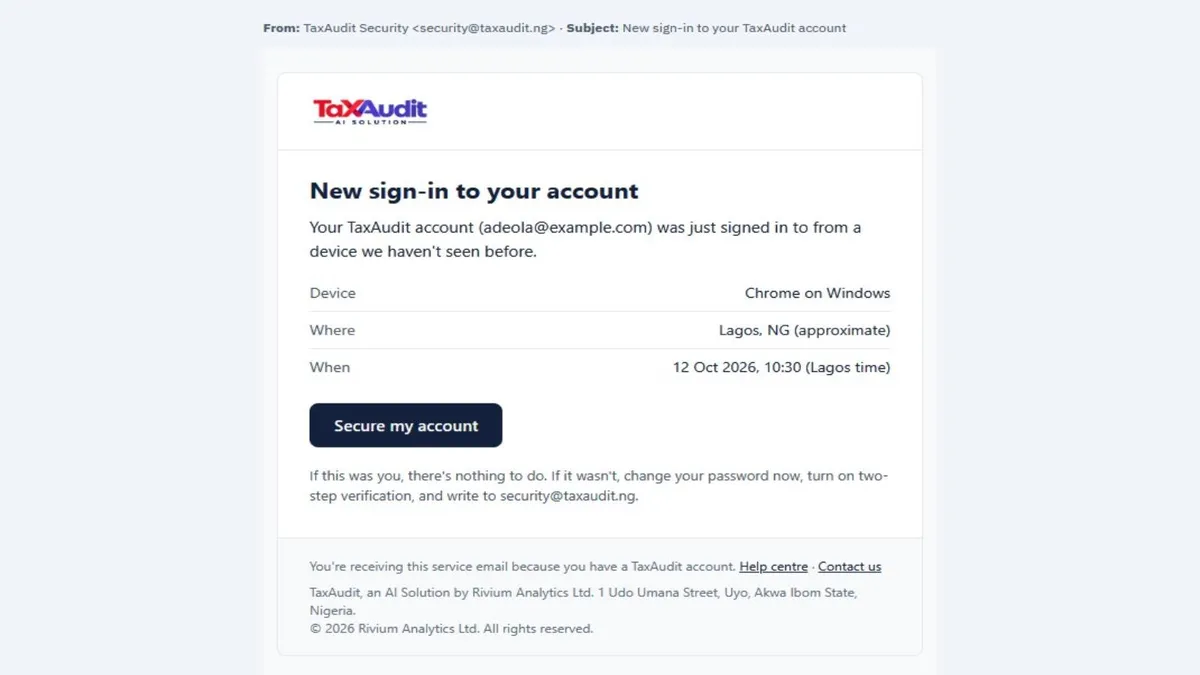
We noticed a new sign-in
When your account is signed in to from a device we haven't seen before, we email you from security@taxaudit.ng with the device and the time (Lagos time).
Steps
If it was you (a new phone, browser or computer), there's nothing to do.
If it wasn't you, choose Secure my account in the email and change your password straight away.
Sign out the other device at taxaudit.ng/app/sessions/ with Sign Out Other Sessions.
Turn on two-step verification and write to security@taxaudit.ng so we can check your account.
Was this article helpful?
Still stuck? Our support team can help.
Contact support