
See and sign out signed-in devices
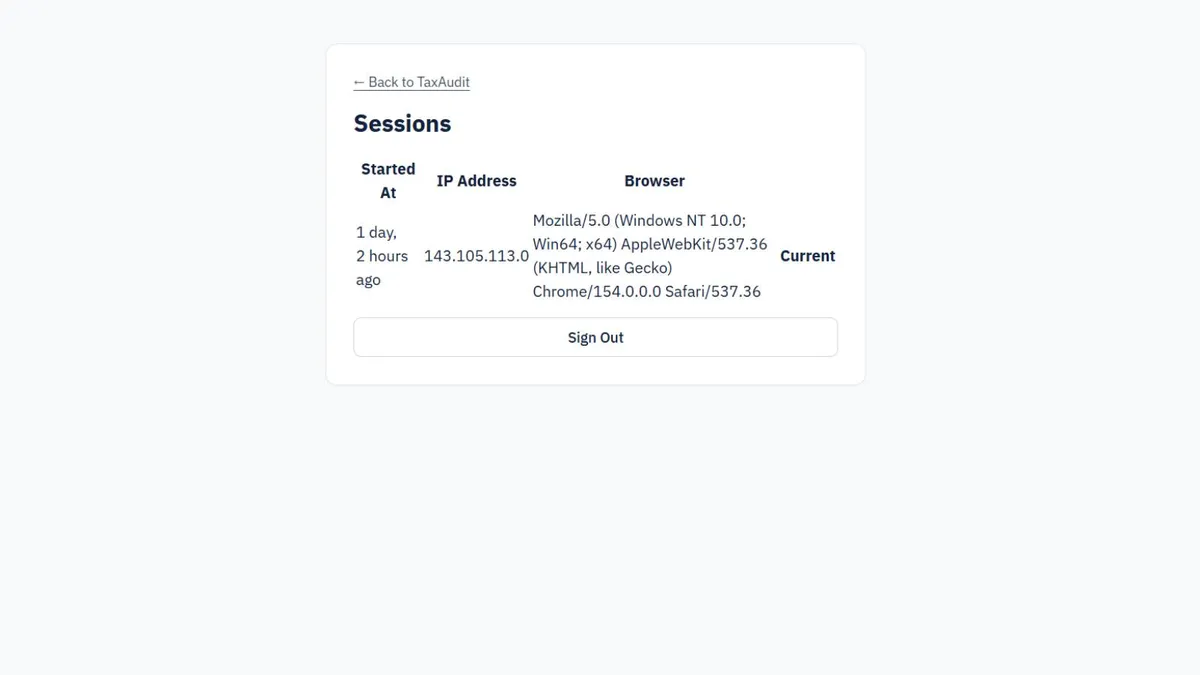
The Sessions page lists every browser and device signed in to your account, when they started and when they were last used.
Steps
Go to taxaudit.ng/app/sessions/. Your current device is marked Current.
Don't recognise one? Choose Sign Out Other Sessions to sign out everywhere except here.
Then change your password if you think someone else knows it.
Common questions
Why is the IP address shortened?
We only keep part of it, enough for you to spot a different place without storing your full address.
Was this article helpful?
Still stuck? Our support team can help.
Contact support