
Security codes for important changes
Before you change your email address, password or two-step verification, we email you a 6-digit security code. It makes sure the person making the change is you, even if someone else is at your computer.
Steps
Start the change (for example, open taxaudit.ng/app/password/change/).
Open the email "Your TaxAudit security code" from security@taxaudit.ng.
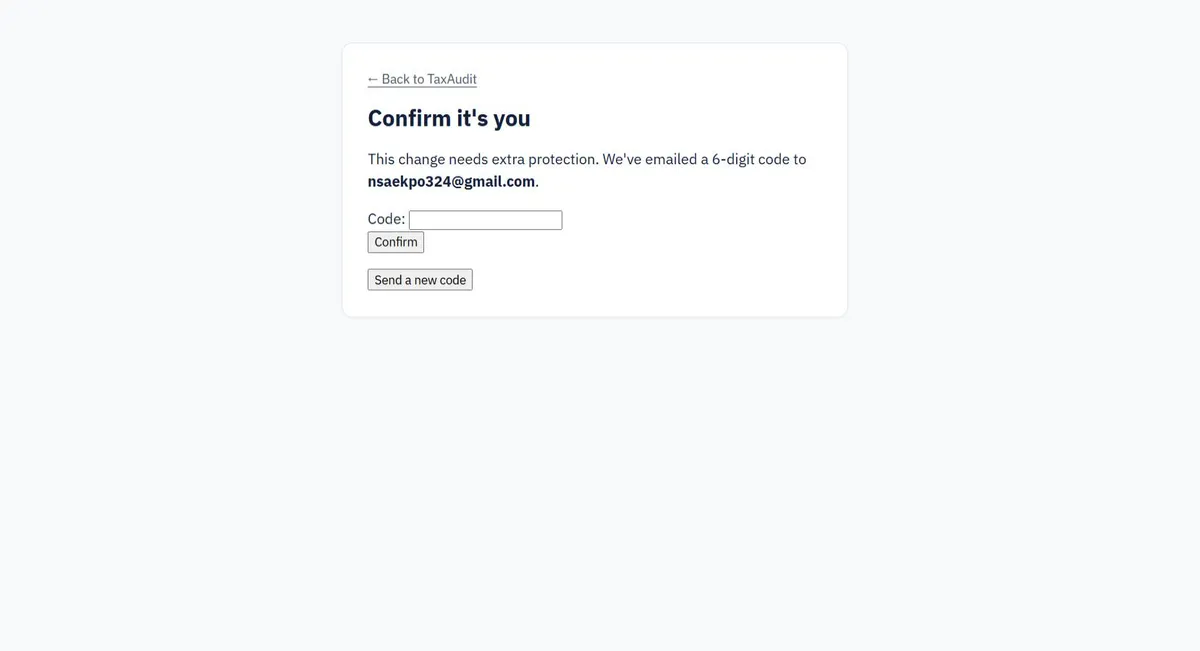
Type the code on the Confirm it's you page and choose Confirm. It works for 10 minutes.
Make your change. For the next 10 minutes you can make other security changes without another code.
Common questions
I didn't ask for a security code.
Someone may be using your account. Change your password now and write to security@taxaudit.ng.
The code didn't arrive.
Check Spam, then choose Send a new code.
Was this article helpful?
Still stuck? Our support team can help.
Contact support