
Use and replace your recovery codes
When you turn on two-step verification you get 10 recovery codes. Each works once, in place of a code from your authenticator app, if you lose your phone.
Before you start
Keep the codes somewhere safe and away from your phone: printed, or in a password manager.
Steps
Go to taxaudit.ng/app/2fa/ and confirm it's you with the emailed security code.
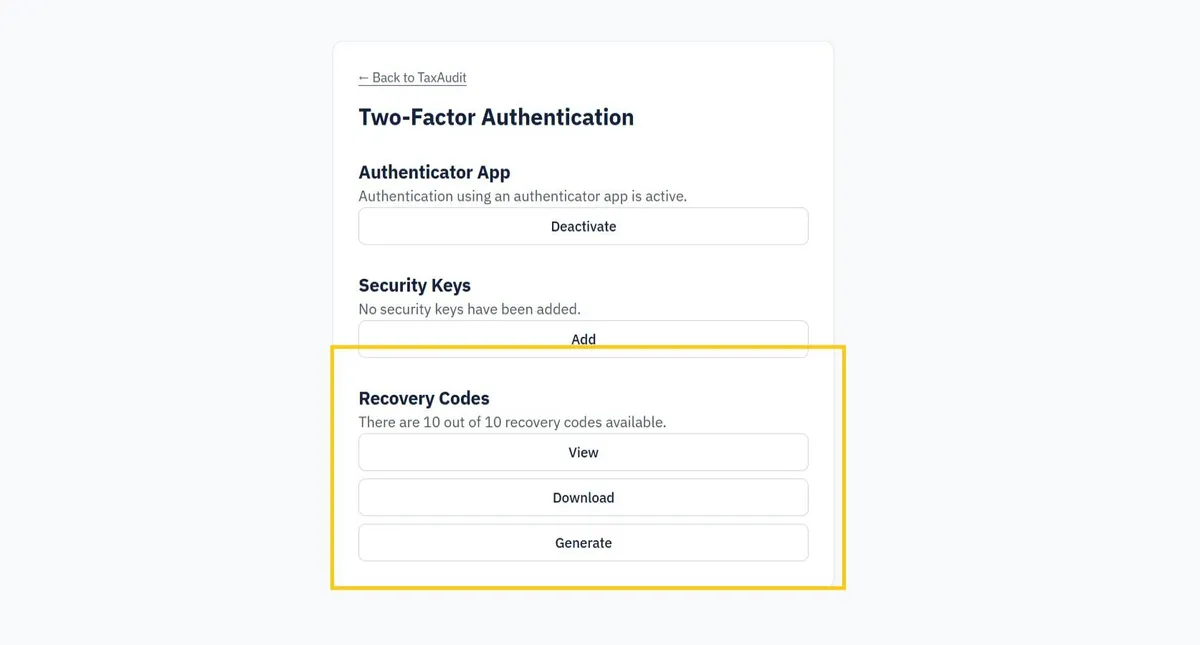
Under Recovery Codes, see how many codes you have left.
Choose Download codes to save them again.
Running low? Choose Generate new codes. The old ones stop working at once, and we email you.
Common questions
I used my last recovery code.
Sign in with it, then generate new codes straight away and set up your authenticator app again.
Was this article helpful?
Still stuck? Our support team can help.
Contact support